


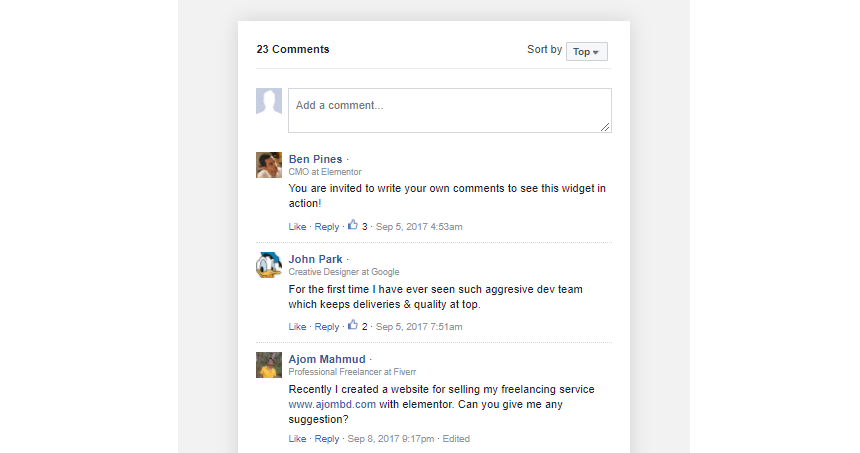
Add Facebook Comments to the end of your posts to allow your readers to easily comment using their Facebook account.
Content
Comments Box
1. Comment Count: Set the number of comments displayed in the page
2. Order By: Sort the comments order according to the Facebook Social factor, Time or Reverse Time
3. Target URL: Get the Comments of the Current Page, or for a Custom URL
4. URL Format: Select Plain Permalink or Pretty Permalink
Advanced
Set the Advanced options that are applicable to this widget
Note: Set your Facebook App ID in the Page Builder Settings > Integrations tab.